Chili Creator docs
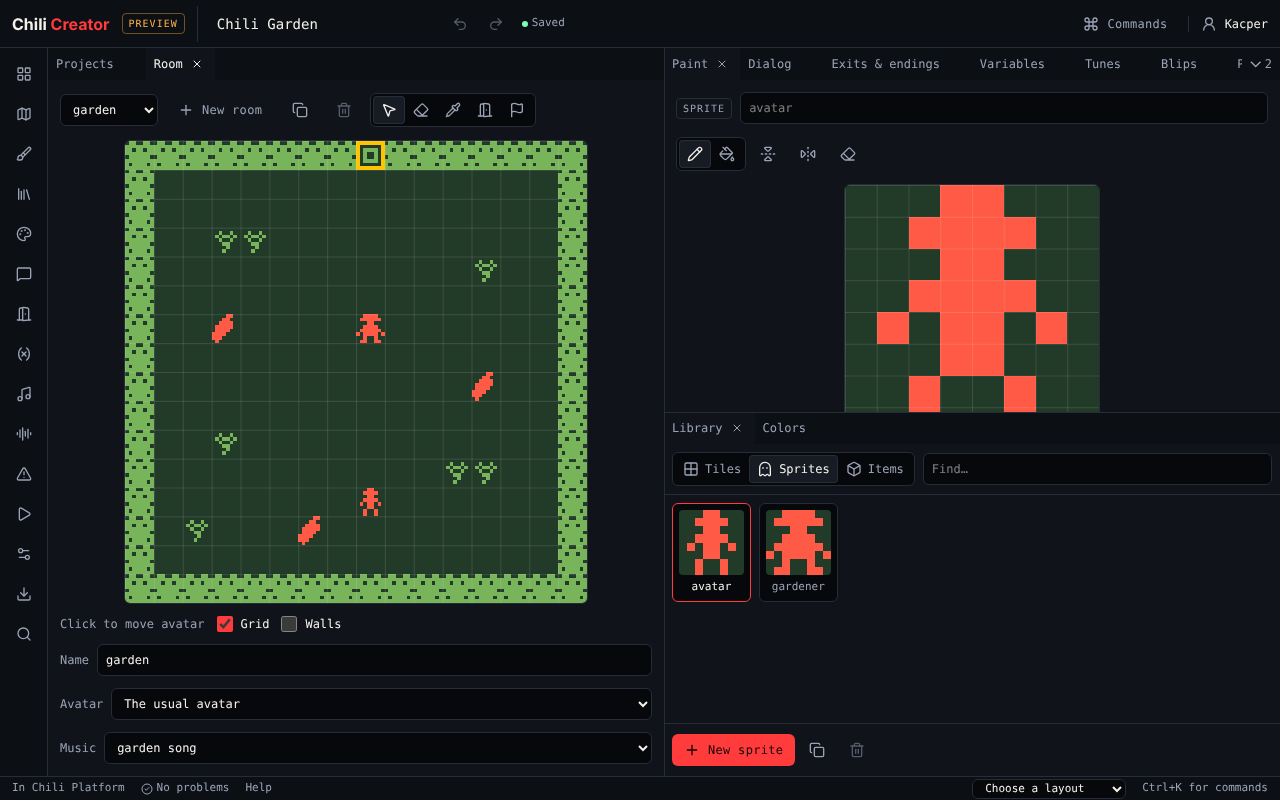
The Chili Creator makes small adventure games in your browser. You paint rooms out of 8×8 pixel tiles, put characters and items in them, write what they say, and link rooms with exits. There is no code to write.
Games are Bitsy games. They play in the browser, on Chili Platform, as a web page you can put anywhere, and on the VGC Zero handheld.
-
Open the creator, find your way around the workspace, and use it on a phone.
-
Build Chili Garden, a two-room game with a quest, a locked gate and an ending, in seven short steps.
-
One page for each of the 15 tools: Room, Paint, Dialog, Tunes, Play and the rest.
-
Dialog scripting, keyboard shortcuts, playing on VGC Zero and how the creator differs from Bitsy.
Make your first game in five minutes
- Open the Creator on Chili Platform and sign in.
- In Projects, choose New game. A new game has one room, an avatar, a cat and two items.
- In Library, pick a tile, then click in the Room to draw walls.
- Pick the cat in Library and open Dialog. Write what the cat says.
- Open Play and choose Play game. Walk with the arrow keys and bump into the cat.
Your game saves itself while you work. When you want more, follow the tutorial.
How a game fits together
flowchart LR
  Colors[Palette] --> Room
  Tiles --> Room
  Sprites --> Room
  Items --> Room
  Room -- exit --> Room2[Another room]
  Room -- ending --> End[The end]
  Sprites -- talk --> Dialog
  Items -- pick up --> Dialog
  Dialog -- reads and changes --> Variables
  Room -- plays --> Tune
Sprites -- make --> Blip| Part | What it is | Tool |
|---|---|---|
| Room | 16×16 tiles, the size of one screen | Room |
| Tile | An 8×8 drawing for the floor and walls. Walls stop the avatar. | Paint, Library |
| Sprite | A character. The avatar is the sprite the player moves. | Paint, Library |
| Item | Something the avatar picks up and carries | Paint, Library |
| Palette | Three colours: background, tiles, sprites and items | Colors |
| Dialog | What sprites and items say, with choices and actions | Dialog |
| Exit, ending | A cell that takes the avatar to another room, or ends the game | Exits & endings |
| Variable | A number or word that dialog remembers | Variables |
| Tune, blip | Music for a room, short sounds for sprites and items | Tunes, Blips |
Where the creator lives
| Place | What you get |
|---|---|
| platform.chilichip.eu/creator | The creator, saving to your Chili account |
| Chili Platform marketplace | Games people released and listed |
| VGC Zero | The handheld plays .bitsy files with citsy |
| chili-chip/chili-creator | Source code, MIT licensed |
Questions or ideas? Ask on Discord or in the platform forum.