3. Items
Items are things the avatar picks up by walking onto them. The game counts how many of each the avatar carries. In this step you hide three chilis in the garden.
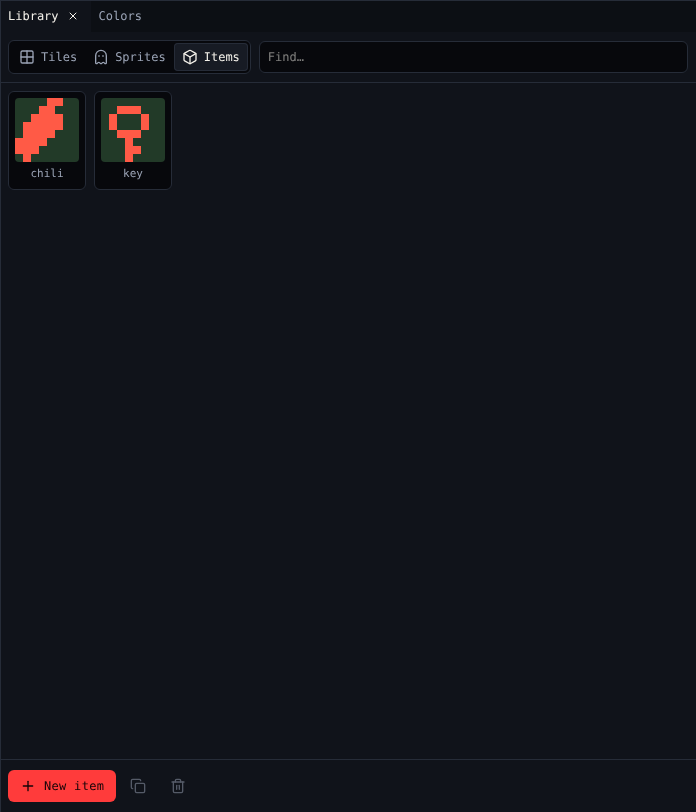
Draw the chili
- Open Library and choose Items.
- Pick tea, rename it
chiliin Paint, and draw a chili. - In Sound, pick pick up key, or make your own
pick upblip.
Leave the key as it is. The gardener gives it away in step 4.
Scatter the chilis
- With the chili picked, Room says Click to put down chili.
- Click three cells in the garden, away from the gardener. Chili Garden uses 3,6, 12,8 and 6,13.
Clicking a cell that already has the chili takes it away again.
What a chili says
When the avatar picks an item up, its dialog shows. Open Dialog with the chili picked and write:
A chili! {say {item "0"}} of 3.
{say {item "0"}} shows how many chilis the avatar has, so the player reads A chili! 2 of 3. The "0" is the chili's id; Dialog's Insert… menu writes it for you with Show how many of an item. See Dialog scripting.
Starting items
To start the avatar with some items, open Variables and set a number under The avatar starts with. Chili Garden starts with none.
Check it
Play the game, pick up the chilis, and watch the count in the Inventory table under the game screen.
Next
4. Dialog: the gardener asks for the chilis.