title: On a phone description: How the Chili Creator works on a phone: one tool at a time, the tool bar along the bottom, and touch controls.
On a phone
On a screen narrower than 640 pixels, the creator shows one tool at a time. Everything else works the same, and your game is the same game on every device.
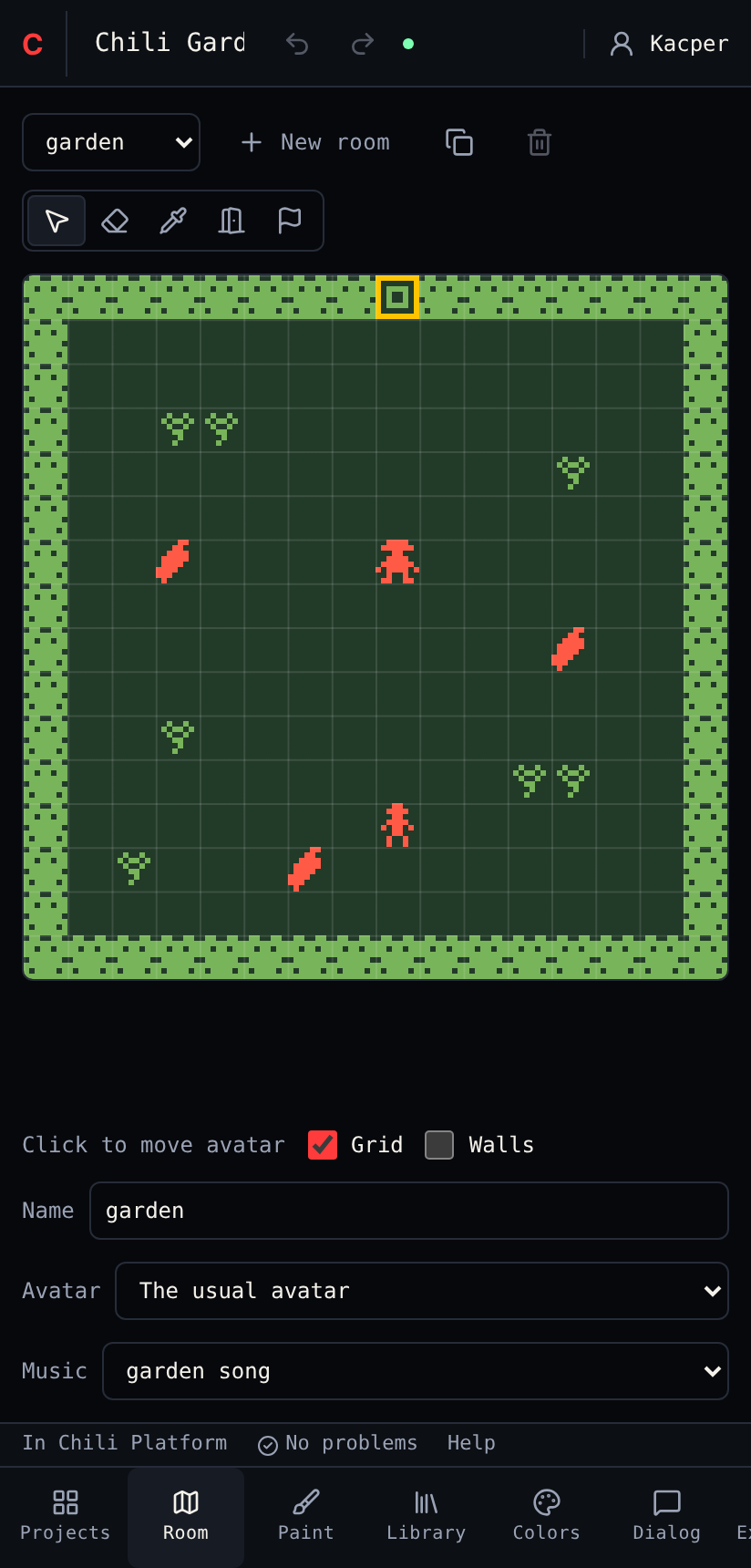
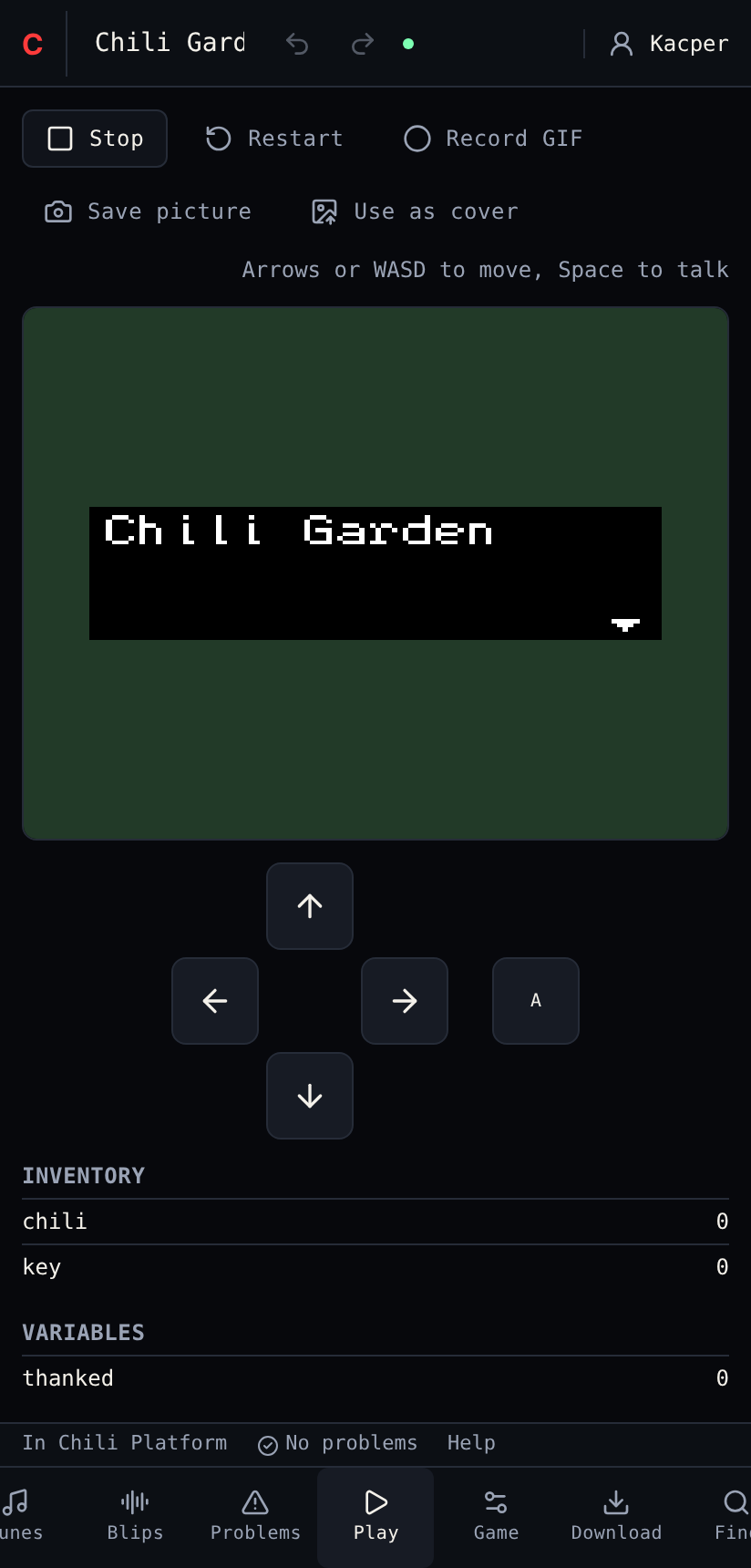
| On a computer | On a phone |
|---|---|
| Tools dock side by side | One tool fills the screen |
| Tool bar on the left edge | Tool bar along the bottom. Slide it sideways to see all 15 tools. |
| Drag tabs to arrange | No arranging, no layouts |
| Arrow keys or WASD in Play | On-screen Up, Down, Left, Right and Ok buttons under the game |
| Click to draw | Tap or drag with a finger |
Tips
- Library, then Room. Pick a tile in Library, then switch to Room and drag to draw. What you picked stays picked while you switch tools.
- Help is in the footer above the tool bar, like on a computer.
- The command palette needs a keyboard, so on a phone every command is a button in its tool.
Next
Start the tutorial.