Room
Room shows one room of your game at a time, 16×16 cells. It is where you build the world.
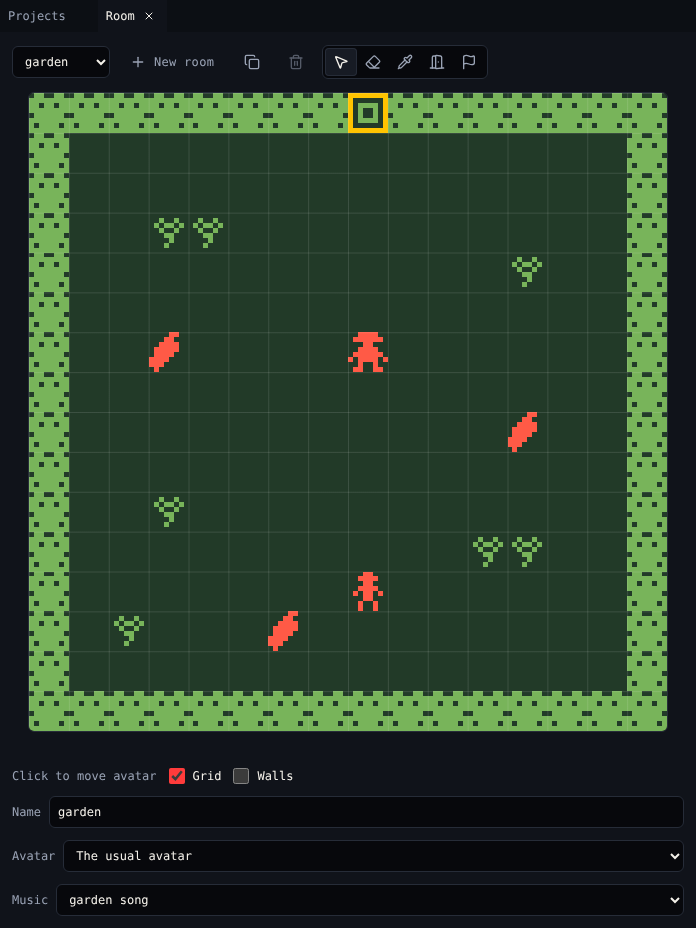
The room tools
| Tool | Key | Click a cell to |
|---|---|---|
| Place | P | Paint the tile, move the sprite, or put down the item you picked in Library |
| Erase | E | Remove the top thing on the cell: an exit or ending, then a sprite (not the avatar), then an item, then the tile |
| Pick | I | Pick what is on the cell, then go back to Place |
| Exit | X | Add an exit, or pick one that is there |
| Ending | N | Add an ending, or pick one that is there |
The line under the room says what a click does now, like Click to paint hedge or Click to move gardener.
What Place does
| You picked a | Click | Drag |
|---|---|---|
| Tile | Paints it. Clicking a cell that has the same tile clears it. | Paints or clears along the way |
| Sprite | Moves the sprite there. A sprite is in one place at a time. | Moves it |
| Item | Puts one down, or takes it away if it is there |
Rooms
| Control | Does |
|---|---|
| Room menu | Switches room |
| New room | Adds an empty room and shows it |
| Copy room | Copies this room with everything in it |
| Delete room | Deletes the room and the exits into it, after asking. Off for the room the avatar is in, and for the last room. |
| Name | The room's name, shown in menus |
| Avatar | The sprite the player is in this room. The usual avatar keeps sprite A. |
| Music | The tune that plays while the avatar is in this room. Make tunes in Tunes. |
The room's colours come from its palette. Change it in Colors.
Helpers
- Grid shows the cell lines.
- Walls marks every wall tile, so you can see where the avatar can walk.
- The bottom right shows the cell under the pointer, like
x 8, y 0 · gate. - Exits show as amber outlines, endings in red. The one you picked has a thick outline.
Exits and endings
Room adds them; Exits & endings sets them up: where an exit leads, which way, the transition, a lock, and the text of an ending.
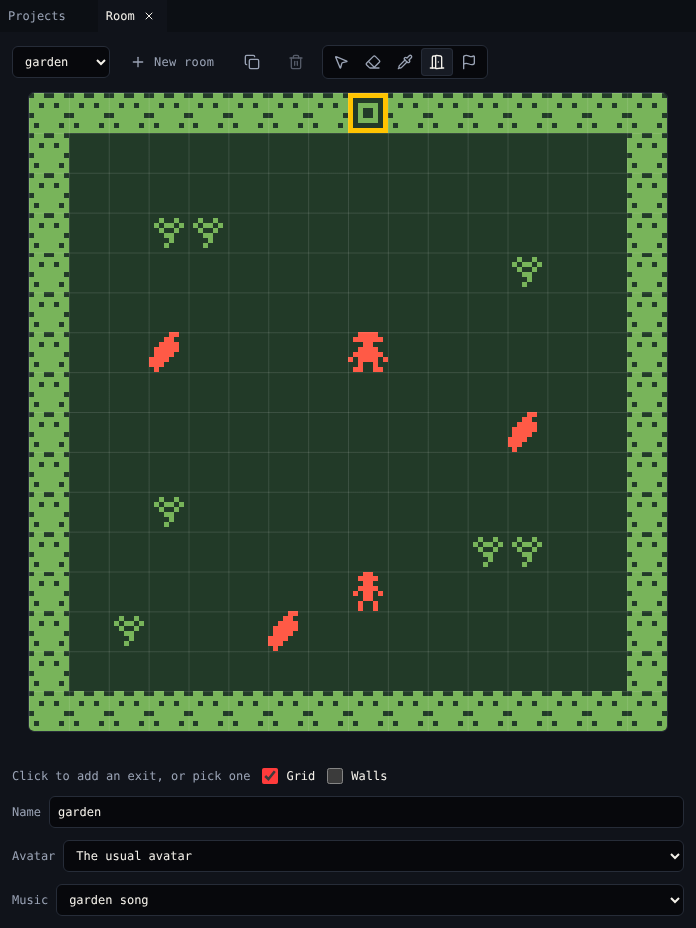
Related
- 1. Rooms in the tutorial
- Library to pick what you place
- Keyboard shortcuts